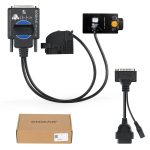
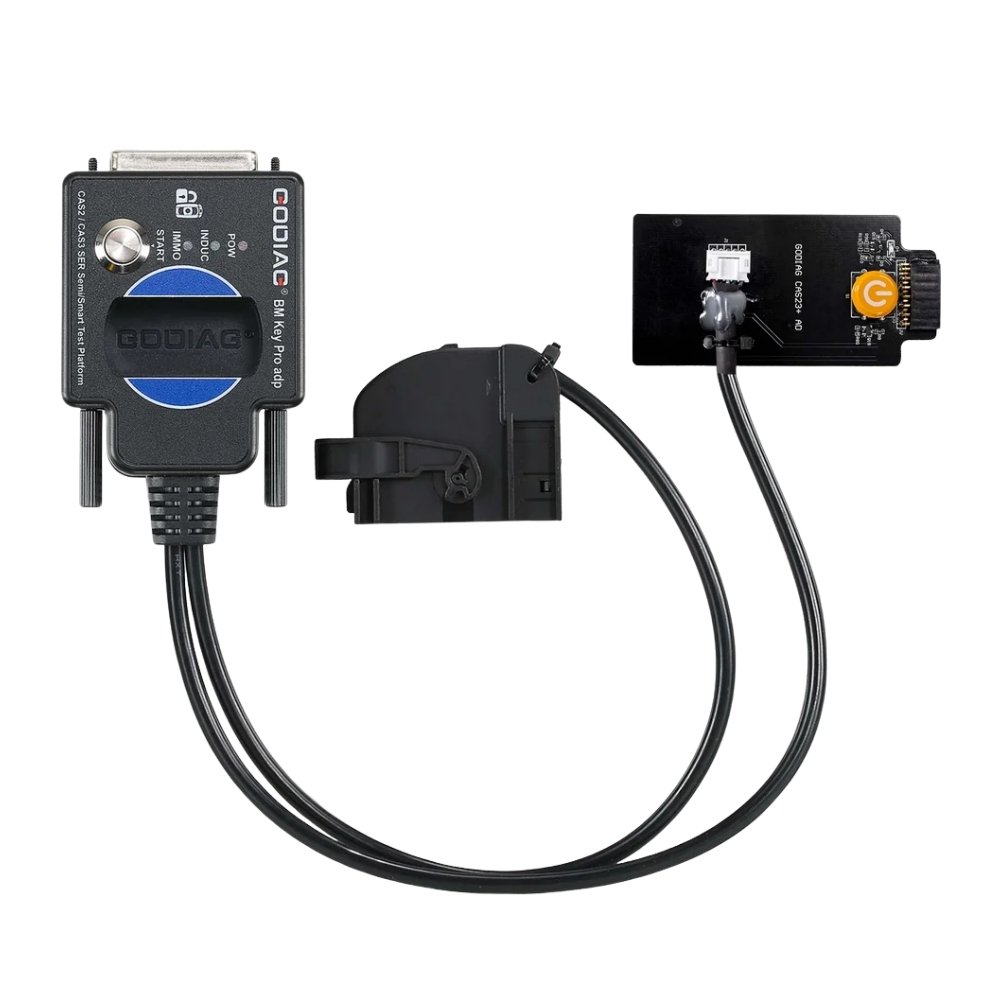
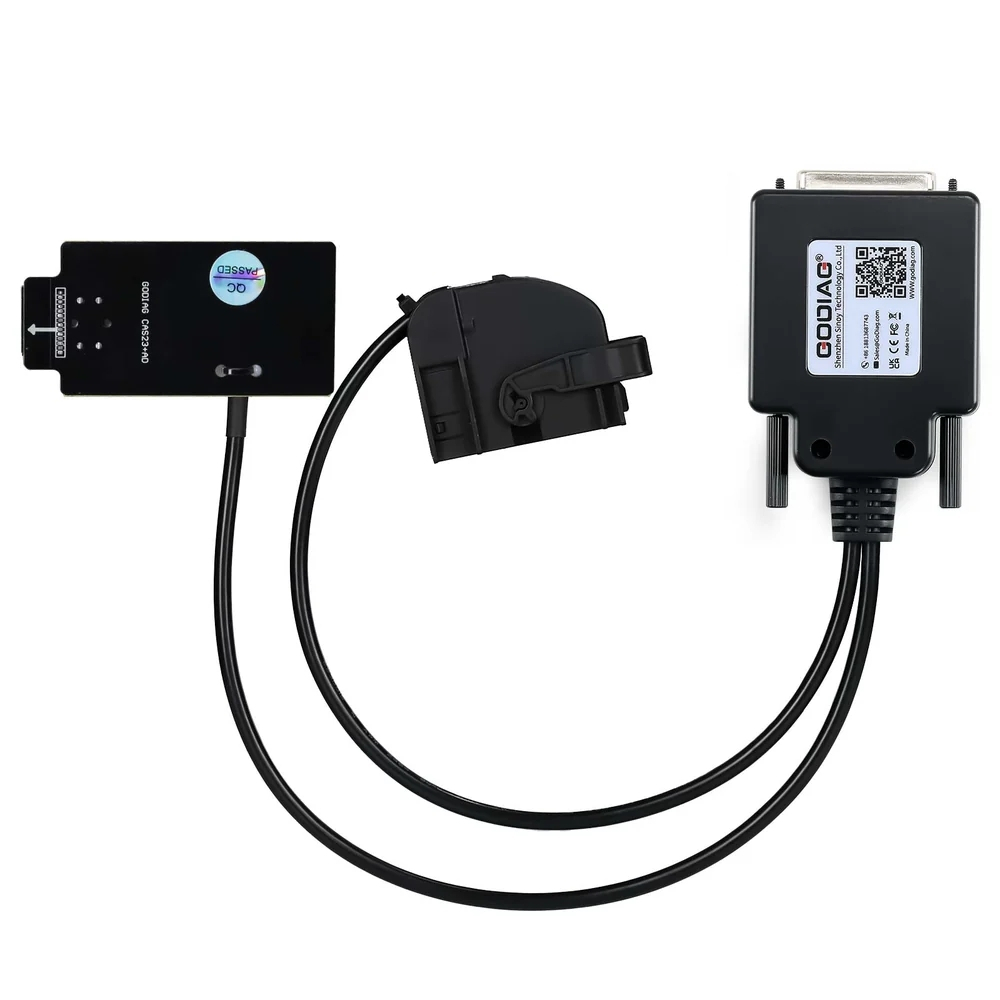
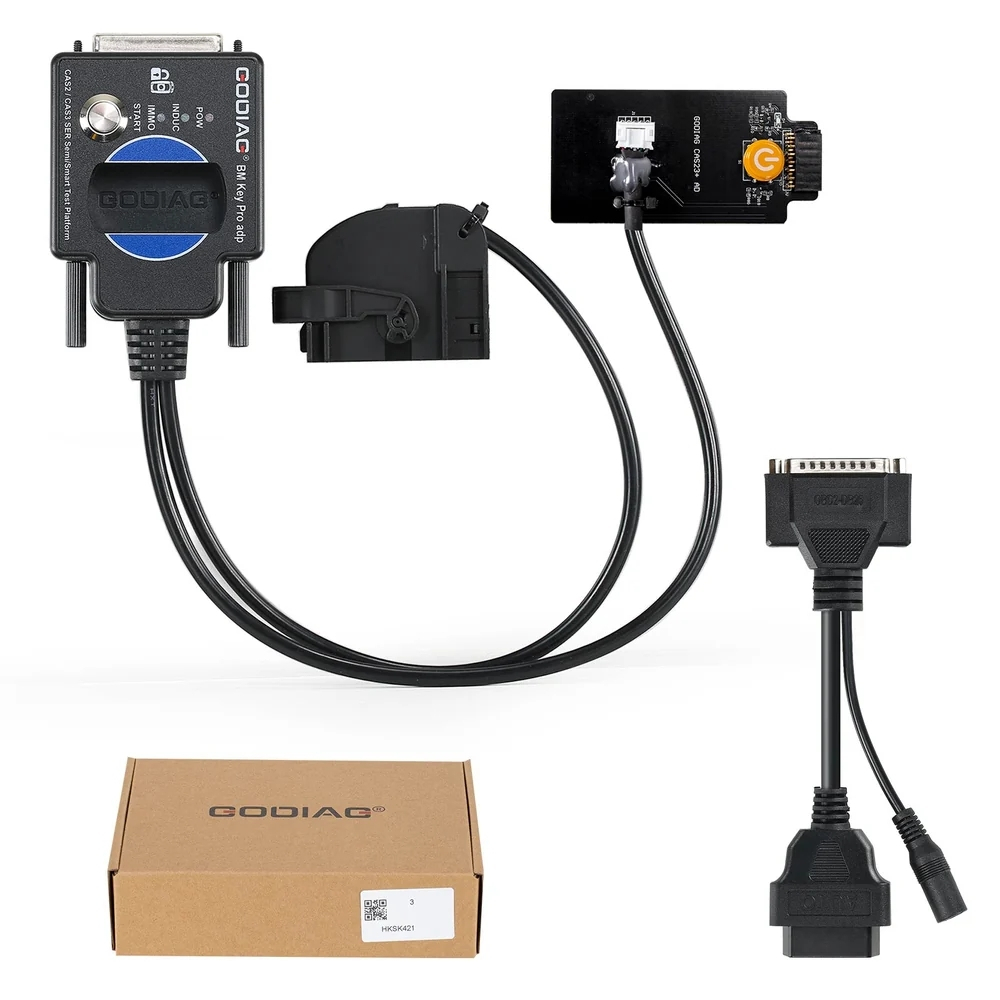
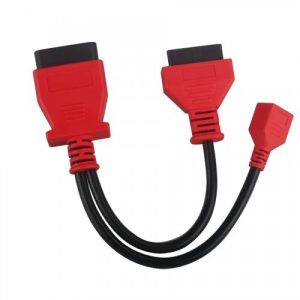
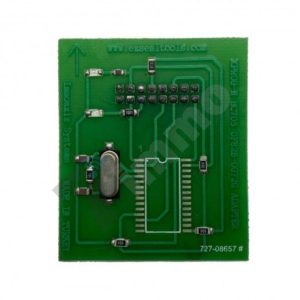
The Godiag CAS2 CAS3 SER Semi-Intelligent Test Platform is a specialized device developed for BMW locksmiths, maintenance engineers, and CAS2/CAS3, CAS3+, and CAS3++ programming engineers. It works in conjunction with key programming devices such as the Xhorse Key Tool Plus Pad, Xhorse vvdi 2, BMW vvdi bim tool, CGDI BMW, and Lonsdor devices, etc., to perform all key replacement or key addition operations. This product is suitable for magnetic semi-intelligent or smart keys.
For LONSDOR devices, data reading and writing cannot be done using the OBD2 bench method. This is because these devices cannot establish 100kbCANbus independent communication with the BMW IMMO module.
For LONSDOR devices, you can read CAS2 semi-intelligent CAS3 3+ data, perform key matching, and after successful matching, conduct key synchronization detection using the GODIAG CAS2 CAS3 SER Semi-Intelligent Test Platform, all using just a programmer.
Use the GODIAG CAS2 CAS3 SER Semi-Intelligent Test Platform to detect IMMO module and key synchronization. After verifying that the key has been successfully paired, you can prevent the problem of the vehicle not starting due to failed key pairing.
Notes:
1. It does not support AUTEL and OBDSTAR devices.
2. The Godiag CAS2 CAS3 SER Semi-Intelligent Test Platform does not support mechanical CAS2 switches and cannot be used with diagnostic equipment or the GT100 GT100+.
Product Specifications:
1. Detecting CAS and key synchronization
2. Solderless CAS2/CAS3 serial intelligent key matching
3. CAS data reading, writing, and programming
4. All key loss/additional key matching
5. CAS key data backup
6. CAS module function evaluation

Product Functions:
1. Check if the CAS2/CAS3, CAS3+/CAS3++ modules and magnetic semi-intelligent/smart switches are synchronized.
2. To perform all lost key matching or key adding operations, use key programming devices such as Xhorse Key Tool Plus Pad / Xhorse vvdi 2 / bmw vvdi bim tool / CGDI BMW / Lonsdor devices, etc.
3. CAS2 / CAS3, CAS3+ CAS3++ module diagnostics
4. CAS2 / CAS3, CAS3+ CAS3++ module programming
Detecting module and key synchronization:
Check if the magnetic semi-intelligent switch is synchronized with the CAS2/CAS3, CAS3+/CAS3++ module:

Step 1: Connect the CAS2/CAS3, CAS3+, and CAS3++ modules according to the connection diagram.
 Step 2: Insert the key into the key detection area.
Step 3: Connect the power supply, and the corresponding power indicator light will illuminate. The start/stop button light will turn on. The coil sensor light will blink. [This indicates that the module can send the key detection signal normally. If the key and module are synchronized, the light will blink regularly or stay on continuously. If the key and module are not synchronized, the blinking will be irregular and will stop after one minute.]
Step 4: Press the start button. [If the switch is synchronized with the CAS module, the IMMO synchronization detection indicator light will illuminate and the machine’s internal buzzer will play. If the switch is not synchronized with the CAS module, the IMMO synchronization detection indicator light will not illuminate and the machine’s internal buzzer will not play.]
Step 5: Press the analog start/stop button; the IMMO synchronization detection indicator light will turn off after 3 seconds. Press the analog start/stop button again, and the IMMO synchronization detection indicator light will turn on.
Below, the Xhorse vvdi2 device is used to perform BMW CAS2/CAS3, CAS3+ CAS3++ semi-smart/smart key programming and matching operations:
1. Connect the CAS2/CAS3, CAS3+, and CAS3++ modules and the key programming diagnostic device according to the connection diagram.
2. Select the “Key Learn—CAS Key Learn—Connect” option.

3. After successfully identifying the CAS information, select the “Retrieve Key Information” and “Save Key Information” options.
4. Select an unused key location, ensure you select the “Prepare dealer key with programmer” menu, and use the VVDI2 key programmer to generate the key. If the key is placed in the GODIAG CAS2 CAS3 SER Semi-Intelligent Test Platform key detection area, the dealer key will not be generated.


5. After programming the dealer key, plug the key into the induction port of the Godiag CAS2 CAS3 SER Semi-Intelligent Test Platform for testing. Please refer to the “Synchronous Detection of Module and Switch” section for test steps.
If the IMMO light is not on, go to the VVDI2 menu and select “Switch Learning—CAS/EWS Information—Connect—DME-CAS Synchronization or CAS-ELV Synchronization”. [During the synchronization process, the switch must be placed in the switch detection area of the VVDI2 device.]

Package Included:
1 x GODIAG CAS2 CAS3 SER Semi-Intelligent Test Platform,
1 x OBD2 – DB25 Cable
.