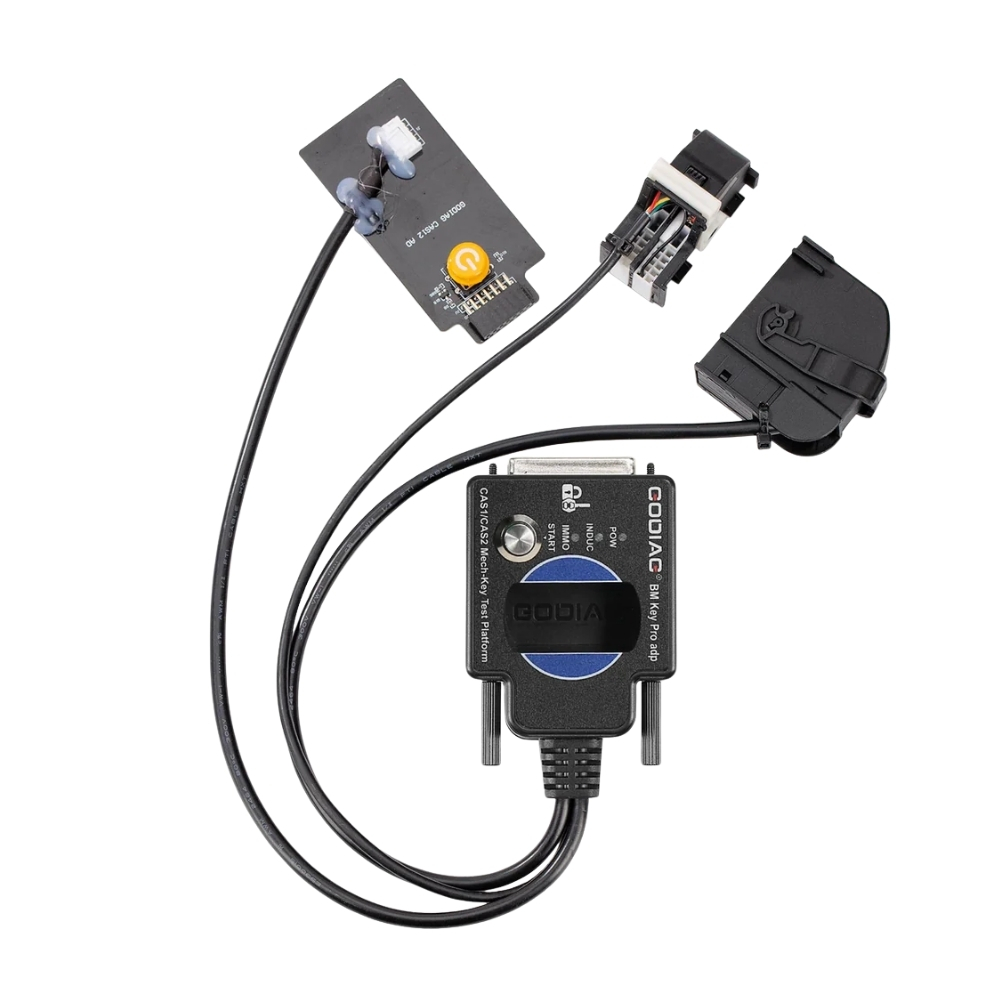
4. CAS1 / CAS2 module programming
Simultaneous detection of the module and the switch:
Check if the CAS2 module and the mechanical switch are synchronized:
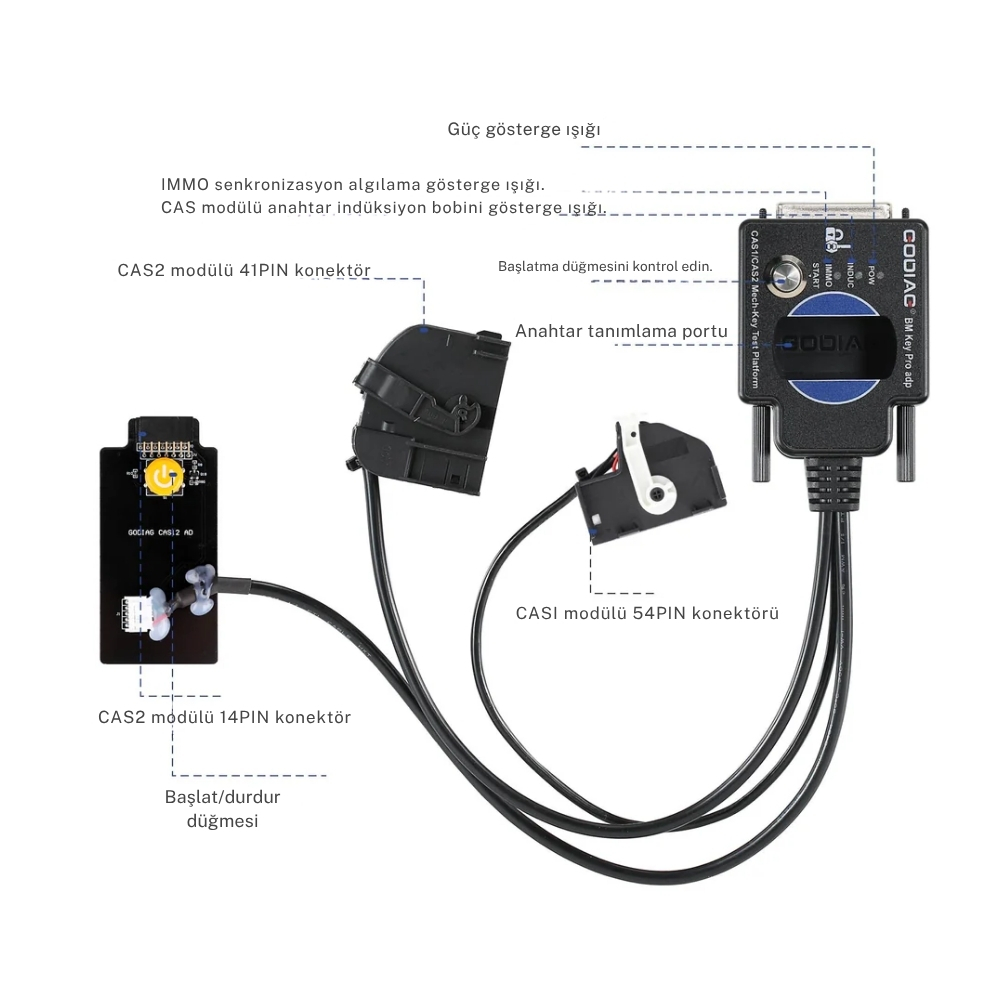
Step 1: Connect the CAS2 module according to the wiring diagram.
Step 2: Insert the key into the key detection area.
Step 3: Connect the power supply.
Step 4: Press the Start button (Press the start button once to turn on the CAS power and automatically detect if the switch is synchronized with the CAS; press again to turn off the CAS power and disable detection).
Synchronization evaluation method: When the detection start button is pressed, the Power indicator light illuminates. If the key is synchronized with CAS2, the CAS module key induction coil indicator light flashes regularly. If it is an unsynchronized key, the key induction coil indicator light flashes rapidly for only 2 seconds. [If the key is synchronized with the CAS module, the IMMO synchronization detection indicator light illuminates and the machine’s internal buzzer plays. If the key is not synchronized with the CAS module, the IMMO synchronization detection indicator light does not illuminate and the machine’s internal buzzer does not play.]
Step 5: Press and hold the analog start/stop button for 3 seconds; the IMMO synchronization detection indicator light will turn off. The INDUC sensor indicator light will also turn off. When you release it, the IMMO synchronization detection indicator light will turn on, and the INDUC sensor indicator light will blink.
CAS1 module and key synchronization detection:

1. Connect the device according to the wiring diagram. Please use a 12V 2.5A power supply; otherwise, the CAS1 module will not work. [Do not connect the CAS2 module]
2. Press the start button [you will see the START-STOP indicator light on CAS illuminate]
3. Insert the key into CAS1.
4. Press the CAS1 button. If the button is synchronized with the CAS1 module, the CAS1 button will be locked. If the button is not synchronized, the device will automatically exit.
CAS2 mechanical key module key programming and module programming identification diagnostic connection diagram:
Below, the Xhorse vvdi2 device is used to perform BMW CAS2 mechanical key programming and matching procedures:
1. Connect the CAS2 mechanical key module and the key programming diagnostic equipment according to the connection diagram. Press the start button to power on CAS2.

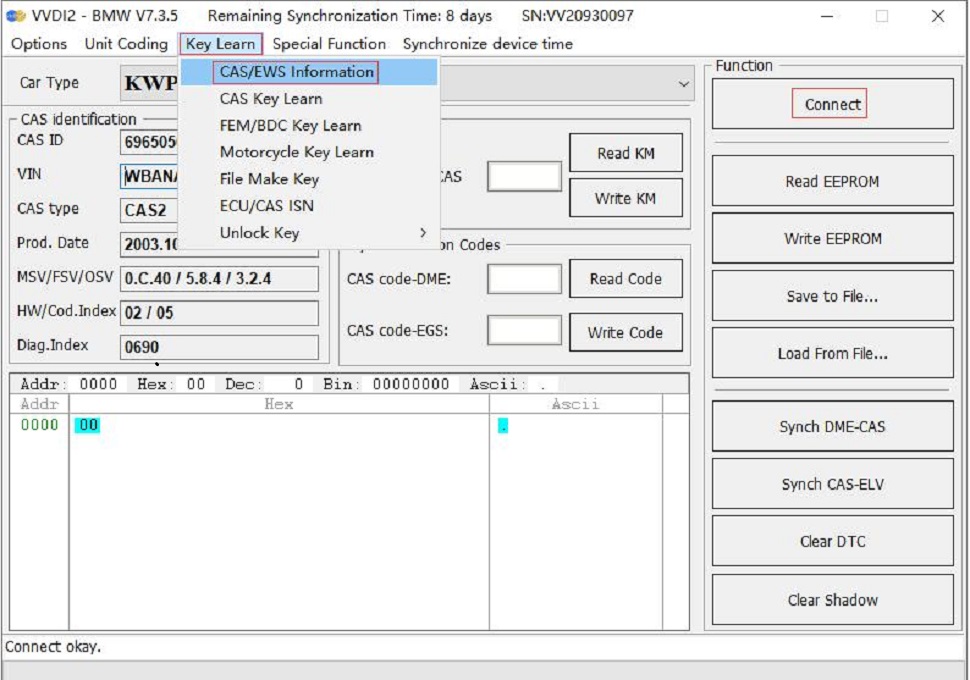
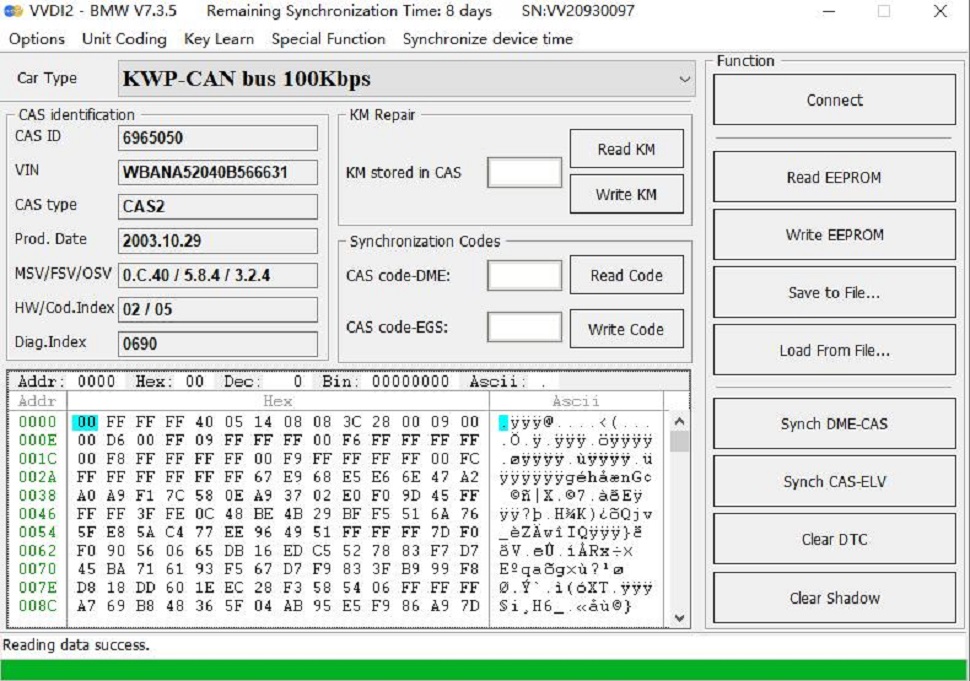
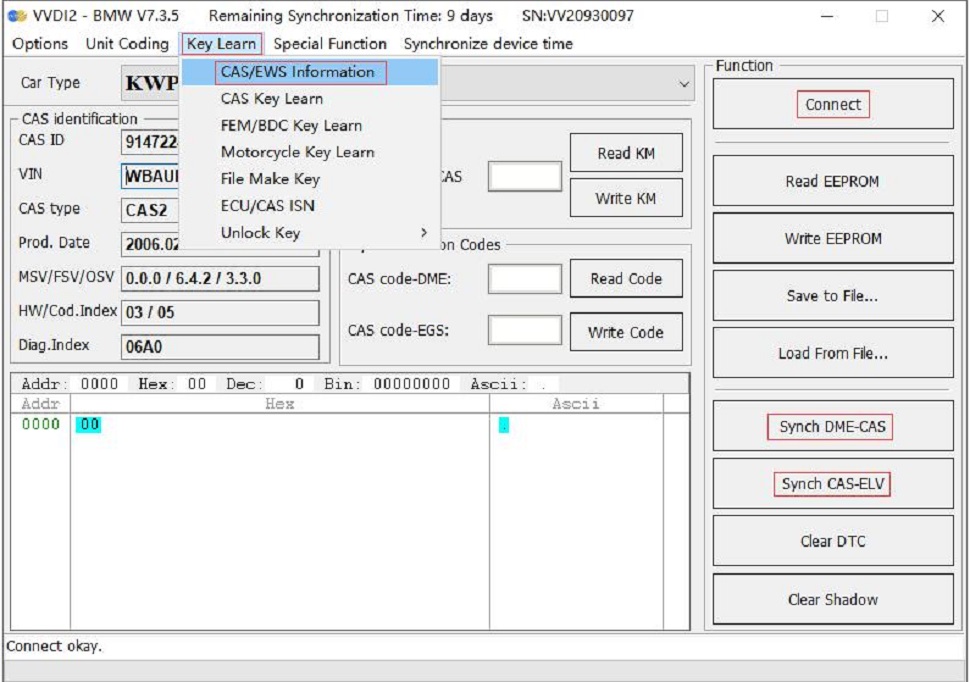
2. Select the “Key Learning—CAS/EWS Information—Connect—Read EEPROM” option. [Note: Remove the key before starting the data reading process and do not perform synchronization detection between the key and the CAS2 module. Only press the start button to power on the CAS module. If the CAS module detects a synchronized key, the connected device will not be able to read data.]
Save to file…
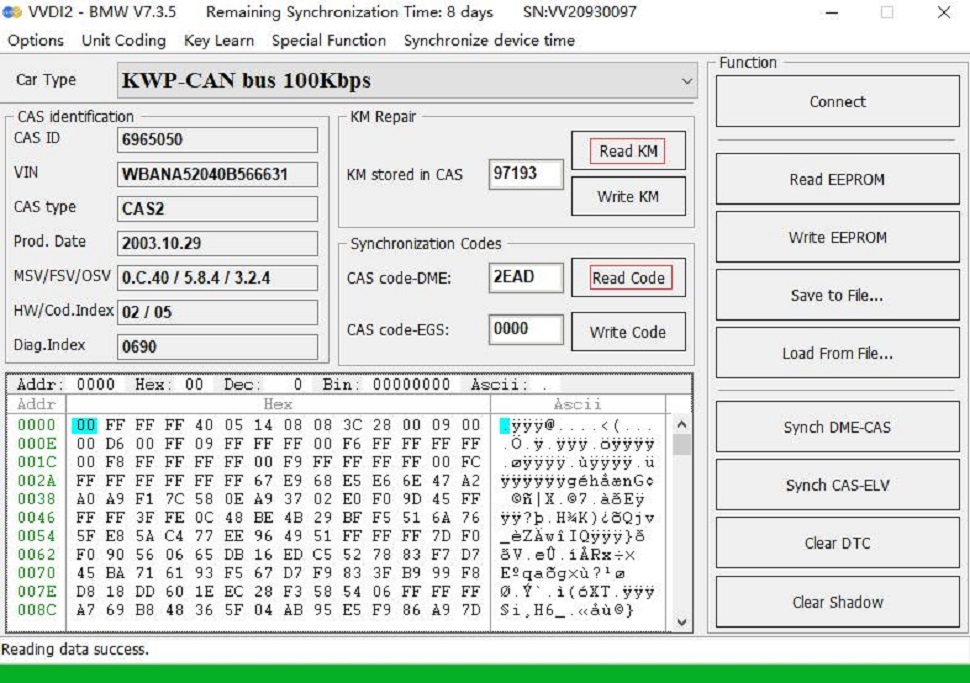
If you wish to read or modify the CAS mileage information, please use the “Read Mileage” option in the relevant menu.
It can also read CAS code and DME.
3. Key programming steps: Select the “Key Learning—CAS Key Learning—Connect” option, then select “Retrieve Key Information” and “Save Key Information”.
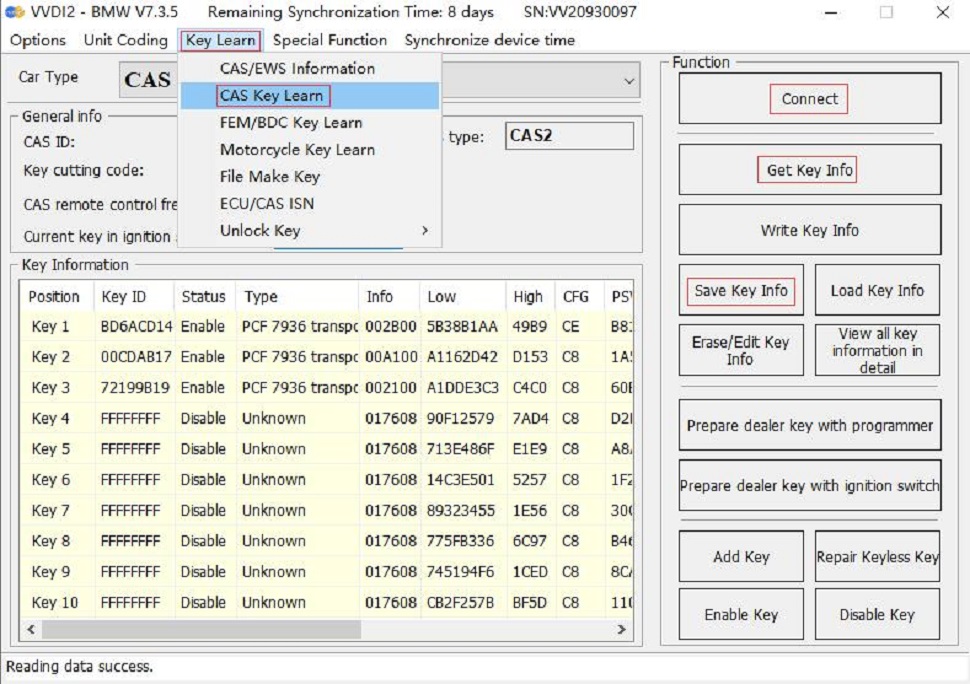
4. Select an unused key location, ensure you select the “Prepare dealer key with programmer” menu, and use the VVDI2 key programmer to create the key. If the key is placed in the key detection area of the GODIAG BMW CAS1/CAS2 Mechanical Key Test Platform, a dealer key will not be created.

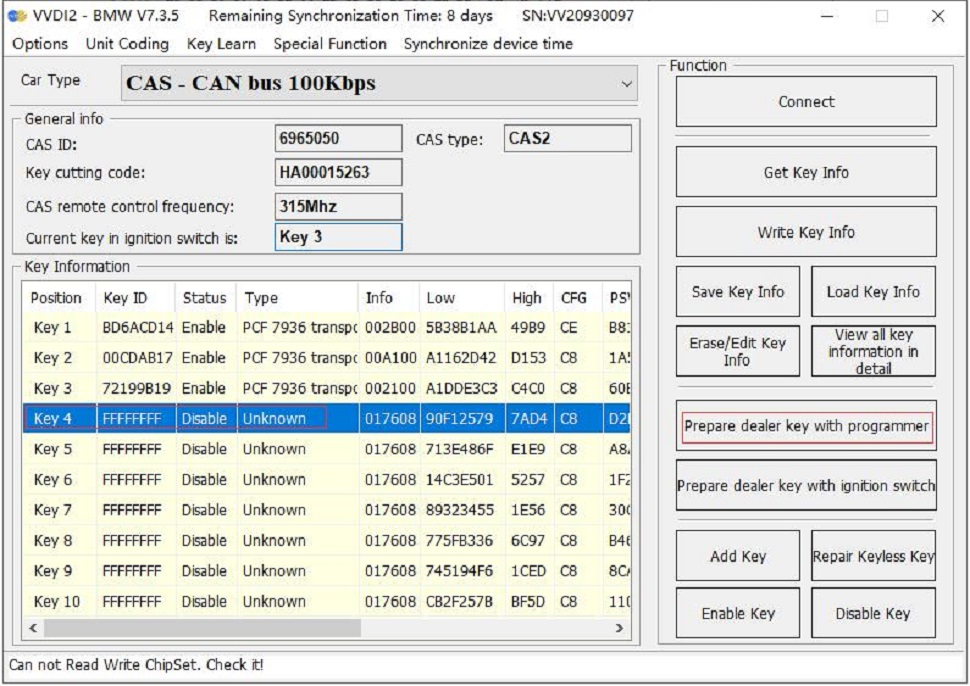
5. After programming the dealer key, insert the key into the sensor port of the Godiag BMW CAS1/CAS2 Mechanical Key Test Platform for testing. Please refer to the module and key synchronization detection section for test steps.
If the new key detection is not synchronized, please synchronize CAS and DME or CAS and ELV. Reconnect the device and module and press the ‘Check Start Switch’ button. If the IMMO light is not on, enter “Key Learning—CAS/EWS Information—Connect—DME-CAS Synchronization or CAS-ELV Synchronization” from the VVDI2 menu for the synchronization process. [During the synchronization process, the key must be placed in the key detection programming area of the VVDI2 device.]

In the following example, the BMW CAS1 key programming and matching process is performed using the Xhorse vvdi2 device:
1. Connect the CAS1 module and the key programming diagnostic device according to the wiring diagram. Press the START button on the Godiag BMW CAS1/CAS2 Mechanical Key Test Platform; the POW indicator light will illuminate, indicating that the test platform has power output. The indicator light on the CAS1 module will also illuminate. [Please use a 12V 2.5A power supply, otherwise the CAS1 module cannot operate.]
2. Select the “Learn Key—CAS/EWS Information—Connect—Read EEPROM” option. [Be careful not to plug in the key. If data cannot be read, please reconnect and power on the platform.] [Note: Do not perform a synchronization test between the key and the CAS1 module, otherwise connection or data reading will not be possible. If a synchronization test is performed, please disconnect the power supply and reconnect the device and the CAS module.]

Save to file…
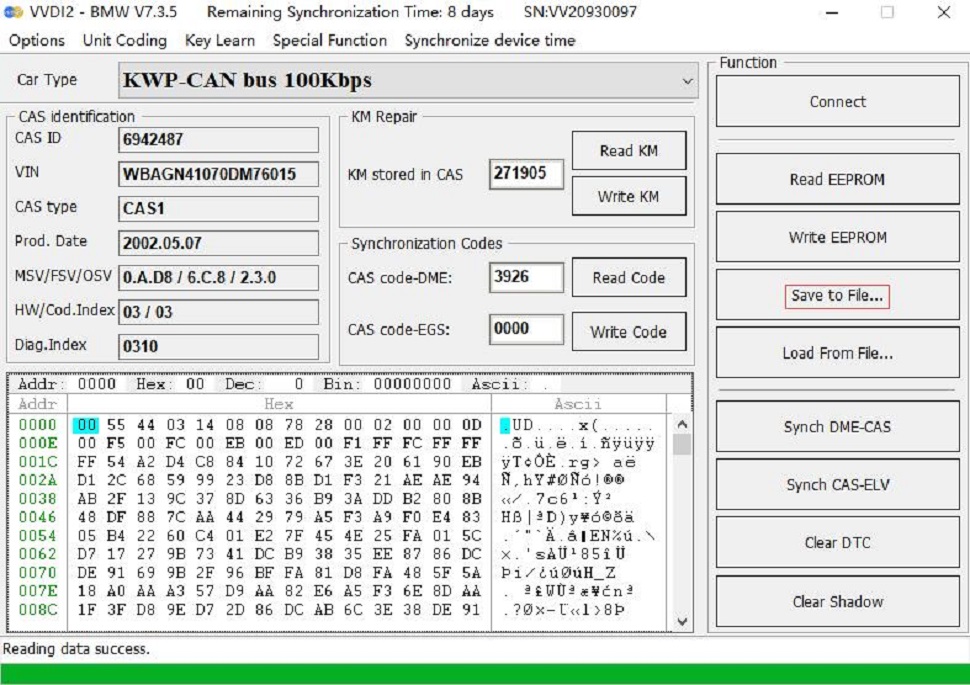
If you wish to read or modify the CAS mileage information, please use the “Read KM” option in the relevant menu. You can also read the CAS code-DME.
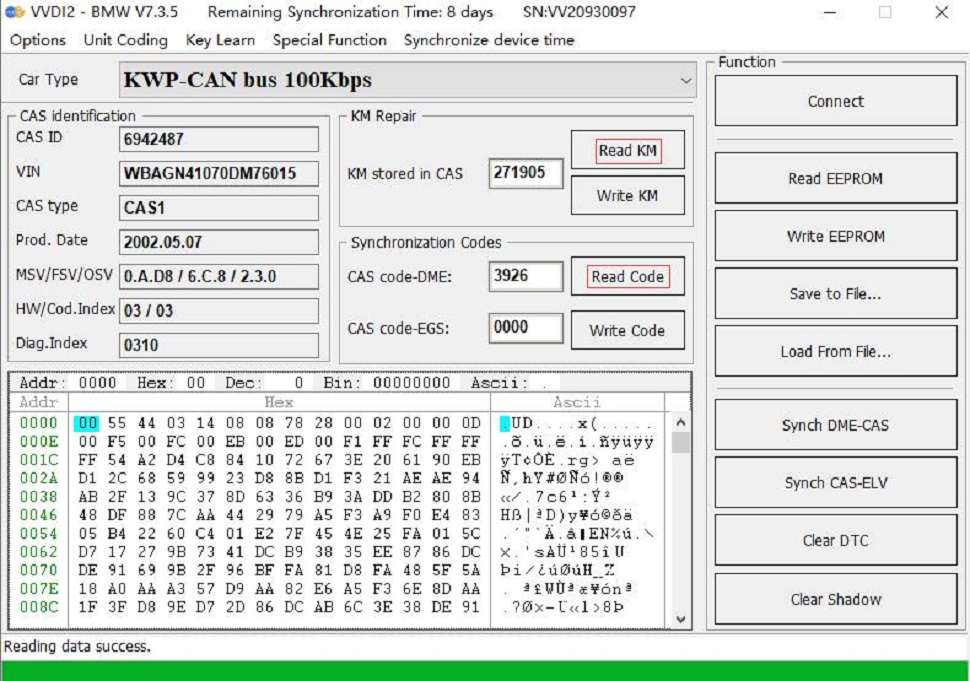
3. Key programming steps: Select the “Key Learning—CAS Key Learning—Connect” option. Select the “Retrieve Key Information” and “Save Key Information” options.
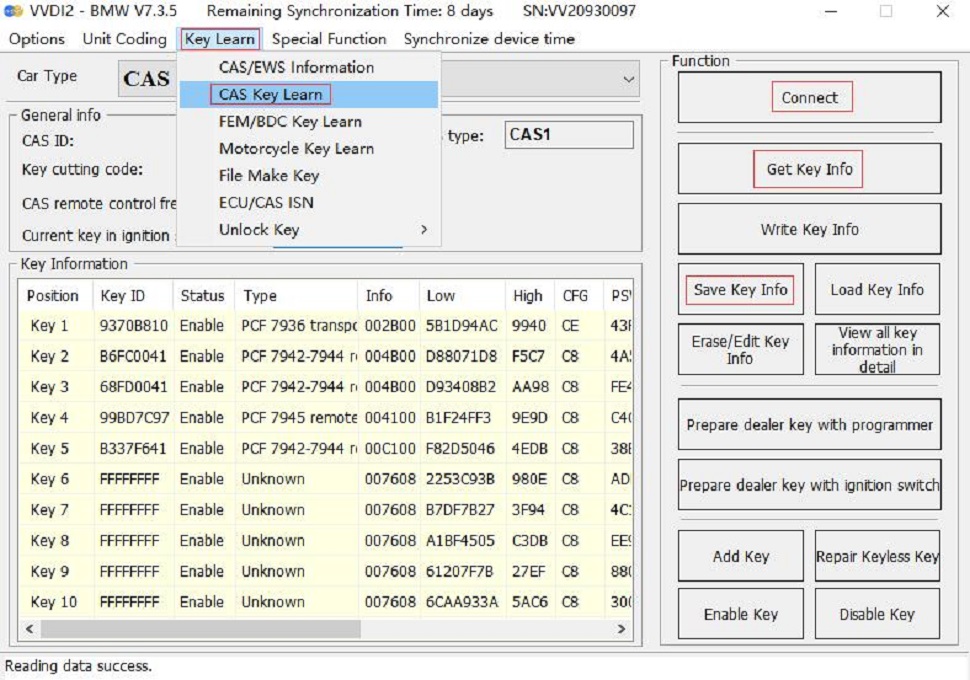
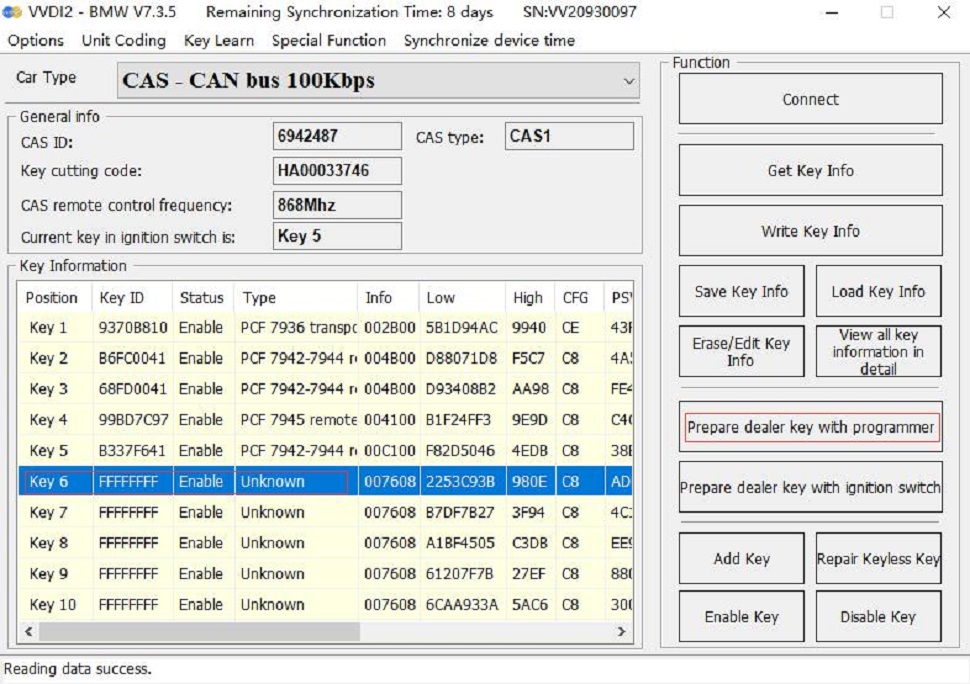
4. Select an unused key location, ensure you select the “Prepare authorized service key with programmer” menu, and use the VVDI2 key programmer to generate the key. [This is because the CAS1 module key identification socket or the GODIAG BMW CAS1/CAS2 Mechanical Key Test Platform key sensor cannot generate authorized service keys.]

5. After the dealer key has been successfully programmed, insert the key into the CAS1 module’s key socket for testing. Please refer to the CAS1 module and key synchronization detection steps for testing procedures.
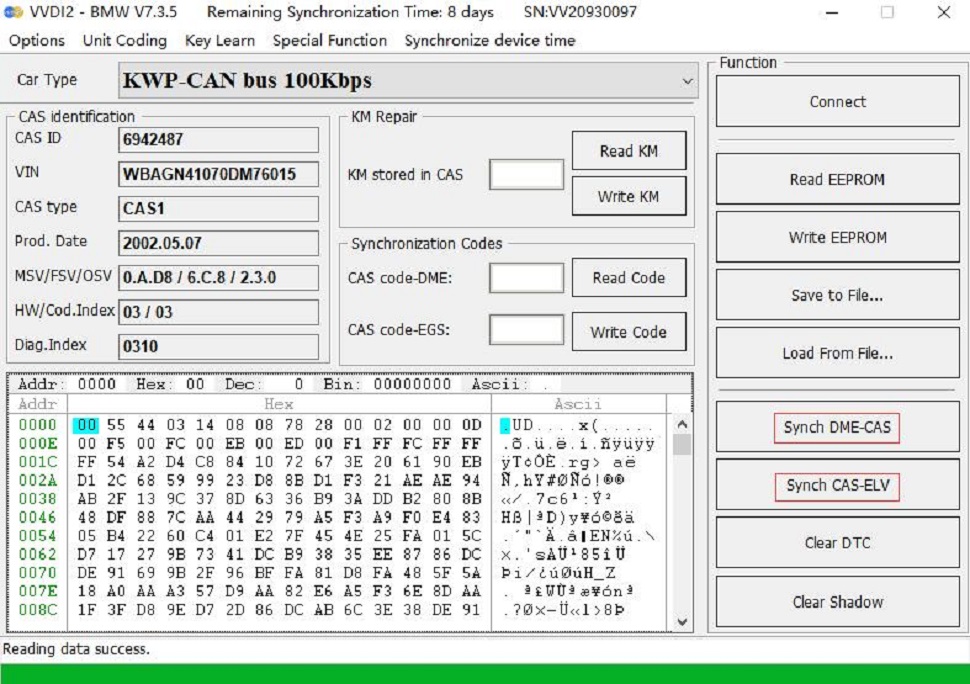
If the IMMO light is not on, go to the VVDI2 menu and select “Switch Learning—CAS/EWS Information—Connect—DME-CAS Synchronization or CAS-ELV Synchronization” for synchronization. [During synchronization, the switch must be placed in the switch detection area of the VVDI2 device.]
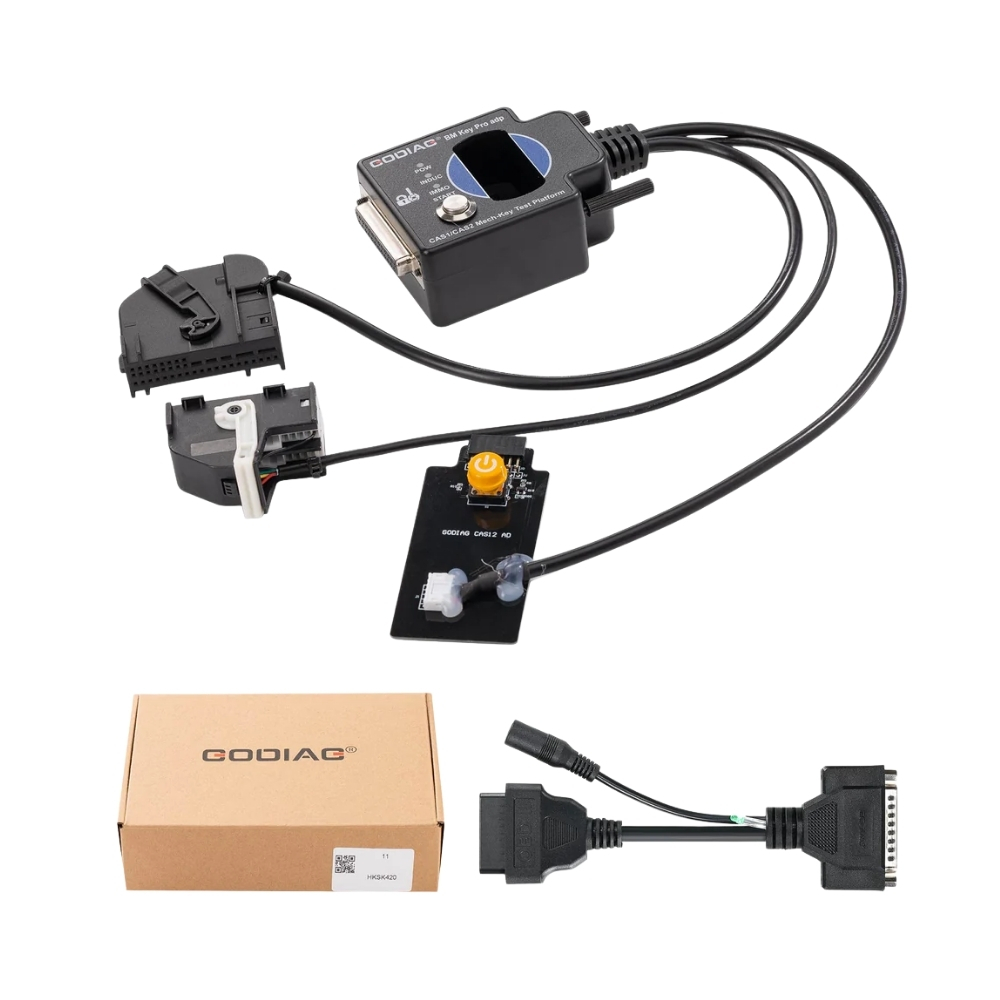
Package Included:
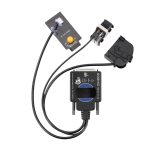
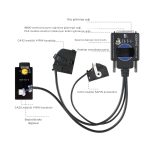
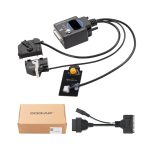
1 x GODIAG BMW CAS1/CAS2 Mechanical Key Test Platform
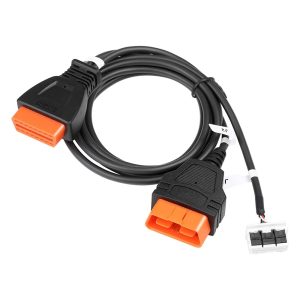
1 x OBD2 – DB25 Cable



 Product Functions: