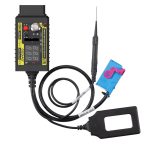
HEX V2 is compatible with devices such as VAGCOM VCDS 5053, VAS5054A, VAS6154, SUPER VAG K+CAN, Obdstar, Lonsdor, AVDI, ZEDFULL, VVDI2, Key Tool Plus, X300 DP Plus, Lonsdor, SUPER VAG, and AUTEL.
Product Functions:
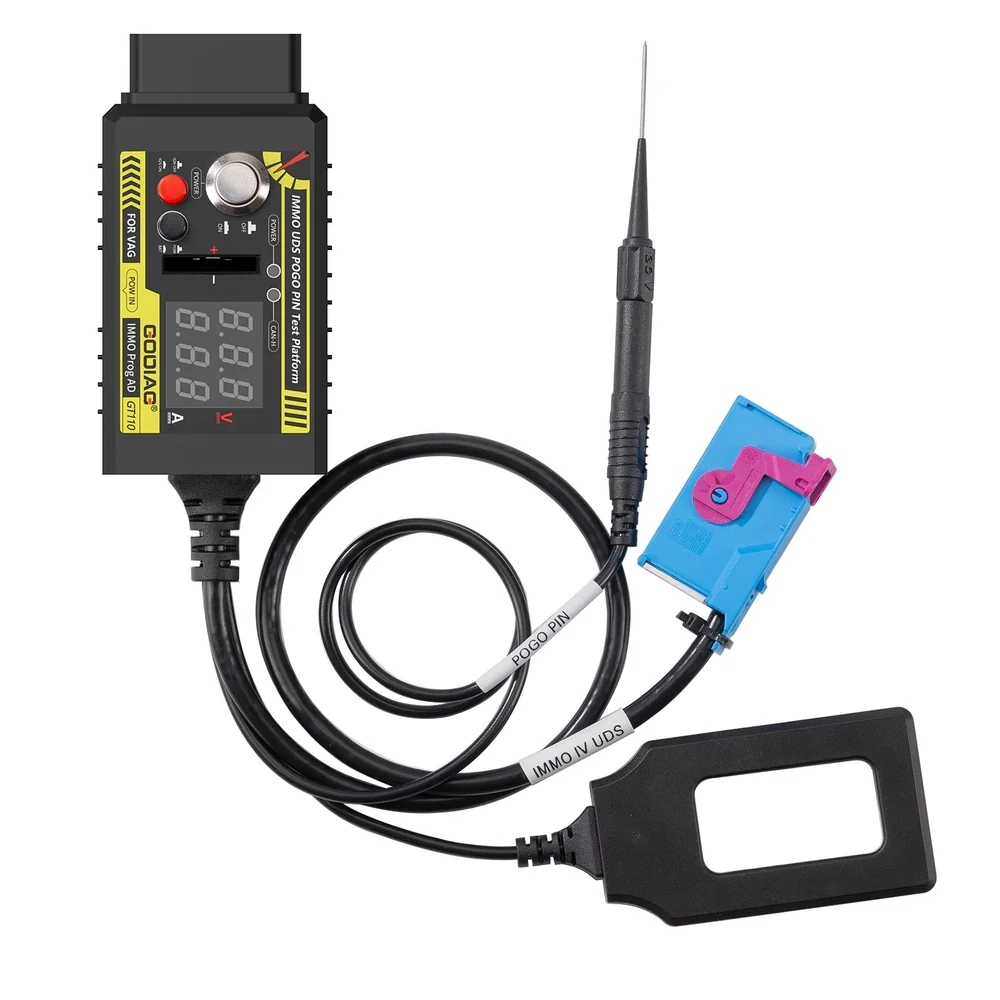
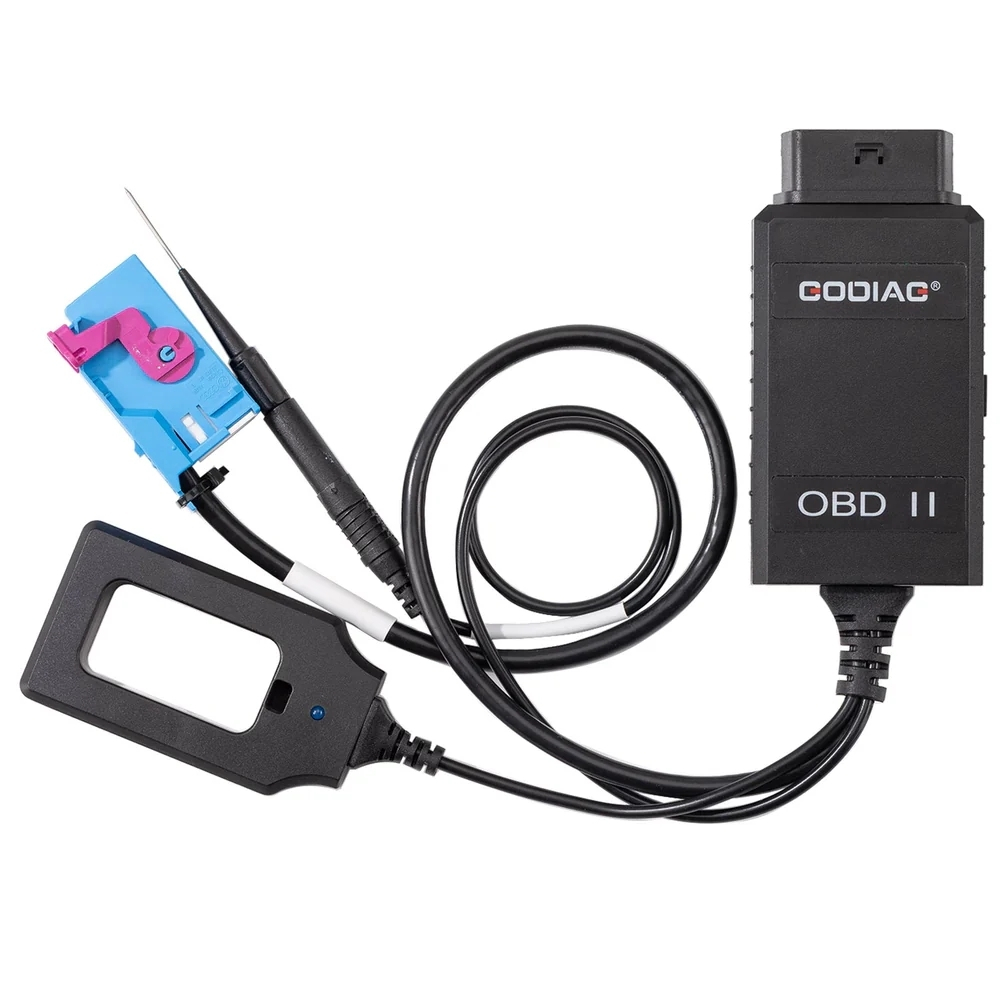
1. Using a POGO PIN to read and write data to the instrument panel.
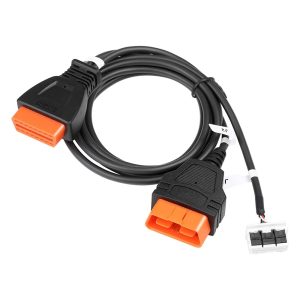
2. Converting the dashboard to standard OBD2 via offline connection.
3. Performs a key chip and indicator synchronization test.
4. Independent power switch
5. Ignition switch simulation
6. Current operating voltage indicator
7. CR2032 remote control key battery detection
8. Current indicator for the power supply.
9. CANH UDS communication indicator light
10. Illuminated switch induction adapter
11. The Pogo PIN provides a more stable hold and prevents damage to the cable.
Product Comparison
| Model |
GODIAG GT110 |
Other Brands |
| OBD2 |
√ |
√ |
| BENCH |
√ |
√ |
| POGO pin |
√ With extended pogo pin |
√ With a short pogo pin |
| Voltage indicator |
√ |
× |
| Current indicator |
√ |
× |
| IMMO Synchronization Test |
√ |
× |
| Main power switch |
√ |
× |
| CAN communication screen |
√ |
× |
| Key recognition coil |
√ Smart key emergency start test for all vehicles |
× |
Steps to use POGO PIN:
1. Connect the power supply [Note: the power switch must be off].
2. Press the IGN ignition switch [the IGN ignition switch must be on].
3. Connect the instrument panel plug.
4. Locate the POGO PIN connector on the relevant instrument panel and connect it using probes.
5. Turn on the power switch for approximately 3-5 seconds. If the ABS light on the instrument panel is flashing, it means the POGO PIN reading and writing mode has been entered.


Intelligent IMMO System Emergency Start Area Detection
Press the vehicle’s start button and bring the device’s key identifier close to a specific area. If the key identifier light flashes or stays on, it means that area is the vehicle’s key emergency start detection zone. If the customer’s smart key has a dead battery, they can only start the vehicle by placing the dead smart key in the key emergency start detection zone.
Vehicle IMMO Initialization and Starter Key Chip Detection
Test Result Analysis:
1. If the key identifier light blinks and then goes out, this indicates that the key with the IMMO chip is working correctly.
2. If the key identifier light flashes for a long time, it means that the key with the chip does not match the vehicle’s IMMO system, and the key with the chip needs to be re-paired.
3. If the key identifier light is not flashing, this means there is a fault in the vehicle’s IMMO system. Please check the vehicle’s IMMO system.
Package Included:
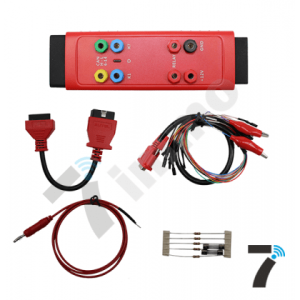
1 custom-made GODIAG GT110 VW Skoda Seat CAN-Bus UDS 4th Generation IMMO Test Platform.